Quick answer: To introduce the water dragon in Dragon Shelter, use the flute beside it and activate the link prompt so it follows you. Lead it into town, then speak to the townspeople with the dragon present. The flute interaction can untie the link afterward. Flute and link advice; town introduction and untie sequence.
Players also call this water dragon follow, water dragon flute binding, or invite dragon to town.
Bring the water dragon into town
Link the dragon with the flute
Lead it into town
Introduce it to the townspeople
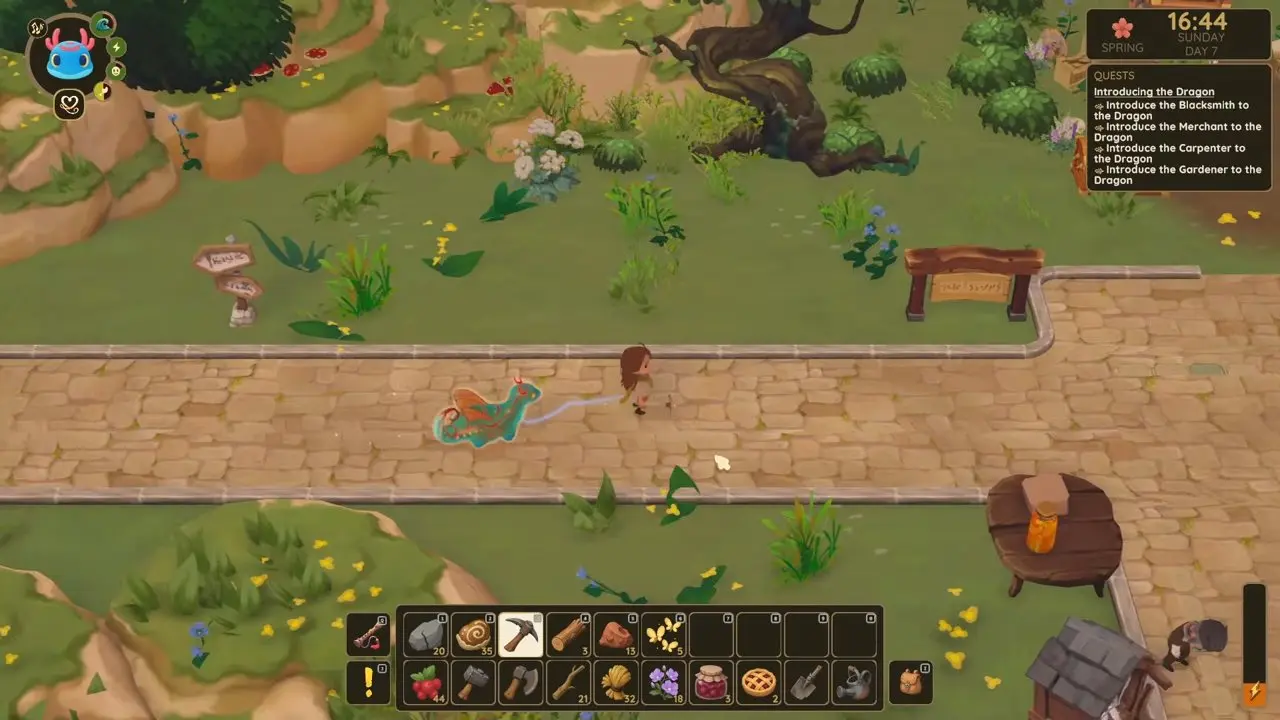
If you have called the dragon and visited townspeople but it does not follow, return to the dragon and activate the flute's link prompt; calling it alone does not establish the follow link. If it stops at the town border, check for the blue link line. That border discussion has no confirmed resolution. A separate 2025 demo report described a flute-follow bug on Steam Deck that the developer patched; the player later confirmed it worked for them.
FAQ
Related
- Flute Controller Triggers Not Responding — Check the separate controller input issue if flute controls do not respond.
- How to Make Jam — Follow the jam task mentioned by a player who later struggled to make the dragon follow.
- How to Place the Kitchen Foundation — See the guide for a separate farm setup task.